Time
Hours that are ready for payroll.
Clock in, enter time, or let a manager do it. Reminders catch missing hours before payroll — then the same entries sync to QuickBooks Online or Desktop.
Book a Demo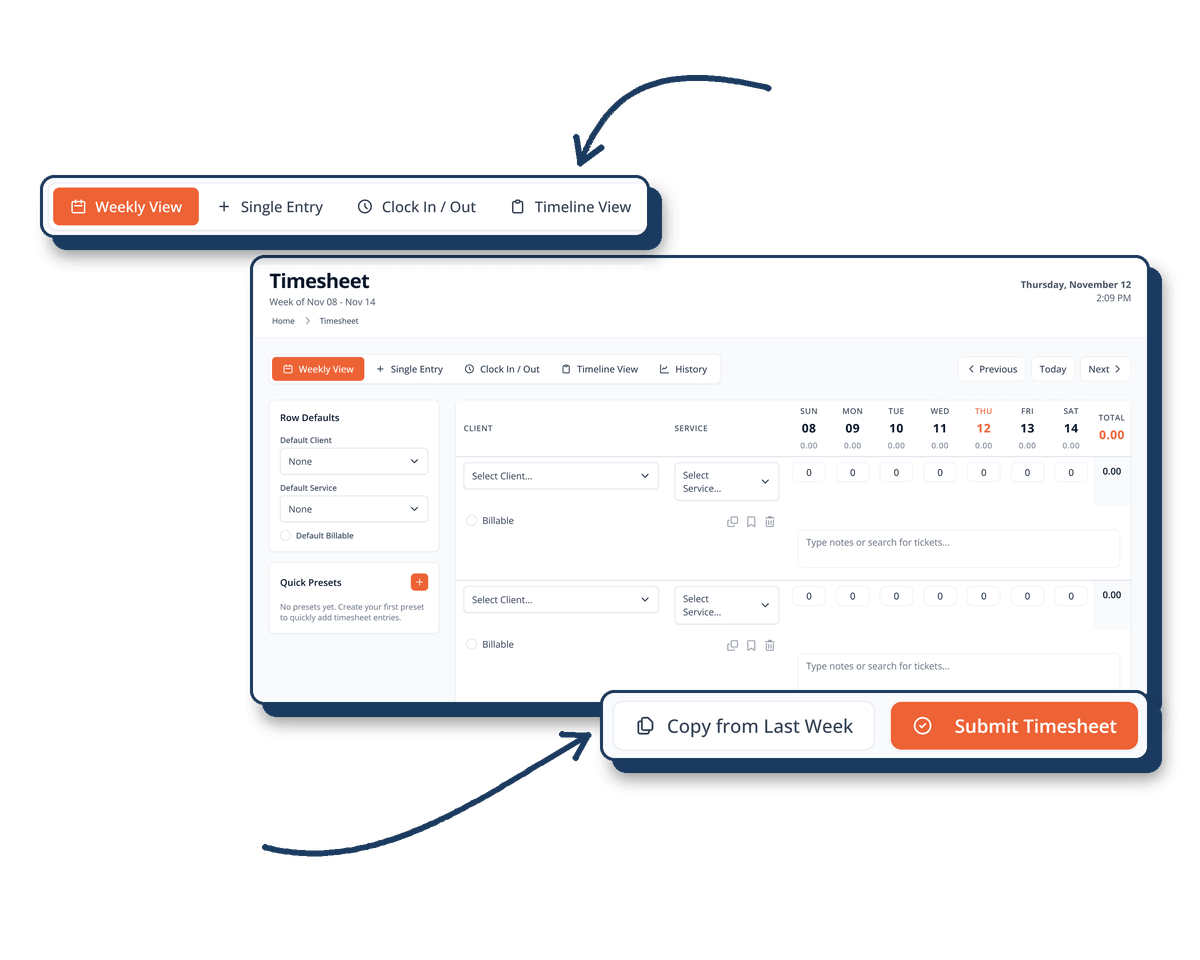
Capture hours once. Send them where payroll already lives.
Clock in, or enter time later
Employees clock in from the portal, pick the time-entry mode that fits the job, or have a manager enter hours for a direct report.
- Clock in and out with a session history employees can check
- Weekly, single-entry, and timeline views — hide Saturday and Sunday if you want
- Show or hide time-entry modes by tenant and by person
- Manager entry, review, approve, and lock
- Weekly and pay-period reminders for missing time
- Notes up to 4,000 characters, plus voice-to-text on the timesheet
QuickBooks Online and Desktop
Clock sessions and timesheets sync to QuickBooks Online or Desktop — including retries when a Desktop push fails, and a re-authorize button when the connection drops.
- QuickBooks Online and QuickBooks Desktop
- Scheduled sync plus real-time webhook updates
- Clearer alerts when a sync succeeds, fails, or is waiting to show in the portal
- Re-authorize the connection from the portal — no IT ticket
Reports and project forecasts
Admins review hours by employee, date, client, and billable status. Project projections add Monte Carlo likelihood — not just a logged total.
- Timesheet history and admin time reports with CSV export
- Monte Carlo simulations for on-time and on-budget likelihood
- Backfill past snapshots to compare how a project actually ran
- Optional work tags and unbilled hours in budget views
Ready to Get Started?
Let us show you how our portal gives HR their time back and employees the tools they need.